

/filters:quality(70)/prod01/prodbucket01/media/durham-university/external-location-photography-/city-shots-/82922-1920X290.jpg)
Hamilton Portal
While the tools listed on the Login page provide most people's access to Hamilton, the portal supplements those with a convenient way to do some common tasks, especially:
- Running intensive, interactive/graphical applications and development tools
- Monitoring how jobs use resources such as CPU cores, memory and temporary disk space through time
- Editing files and copying them to/from Hamilton
It also provides a way to access the Hamilton command line without installing any additional software.
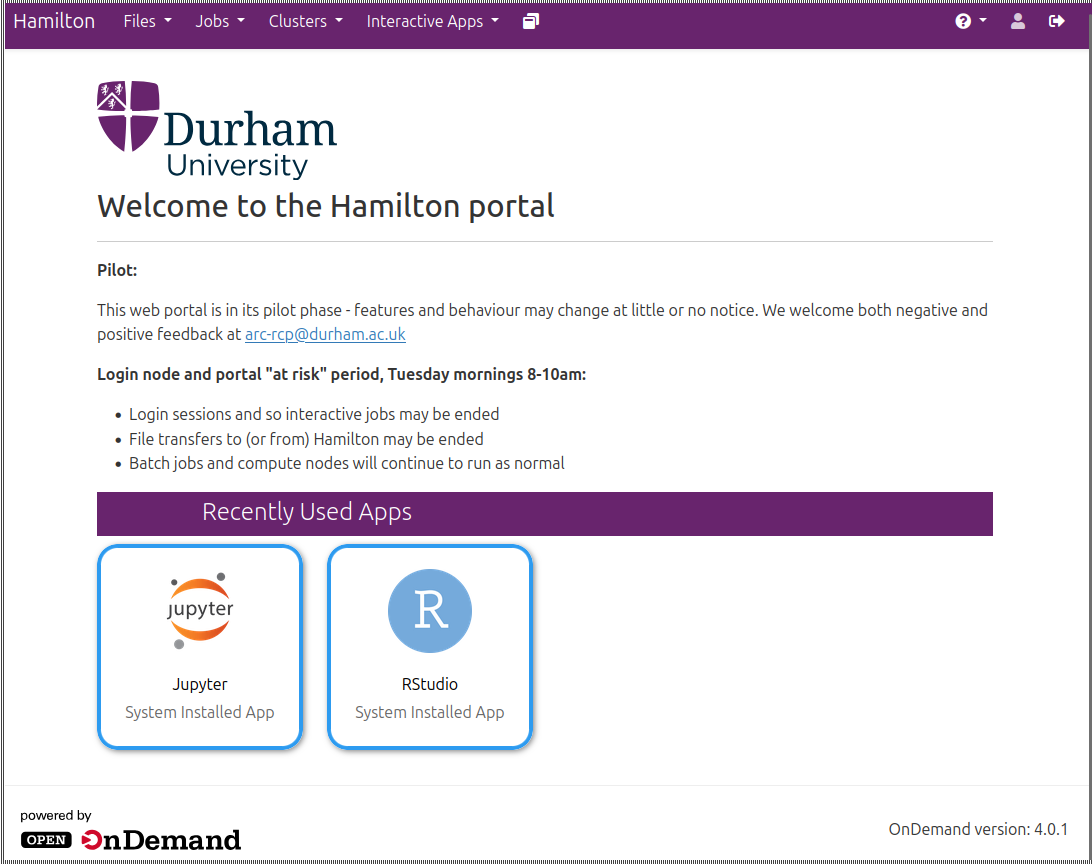
To get started with the portal, you will need to either be on the campus network, use the Access VPN (staff and research postgraduates only), or launch a browser via AppsAnywhere.
Navigate in your browser to https://portal.hamilton8.dur.ac.uk and enter your username and password when requested. You may also be asked to use multi-factor authentication. If you are unfamiliar with Hamilton's hardware, configuration or policies, you may find it helpful to refer to the wider Hamilton pages for information. You can also reach these pages from the Help menu in the portal.
Like the login nodes, the Hamilton portal is "at risk" on Tuesday mornings 8-10am, when there may be maintenance work.